
Video Conferencing Solutions: Complete Enterprise Guide
Explore video conferencing solutions for enterprise meeting rooms, from equipment and room design to network integration, installation and support.
Emarson AV Team
Guest Author
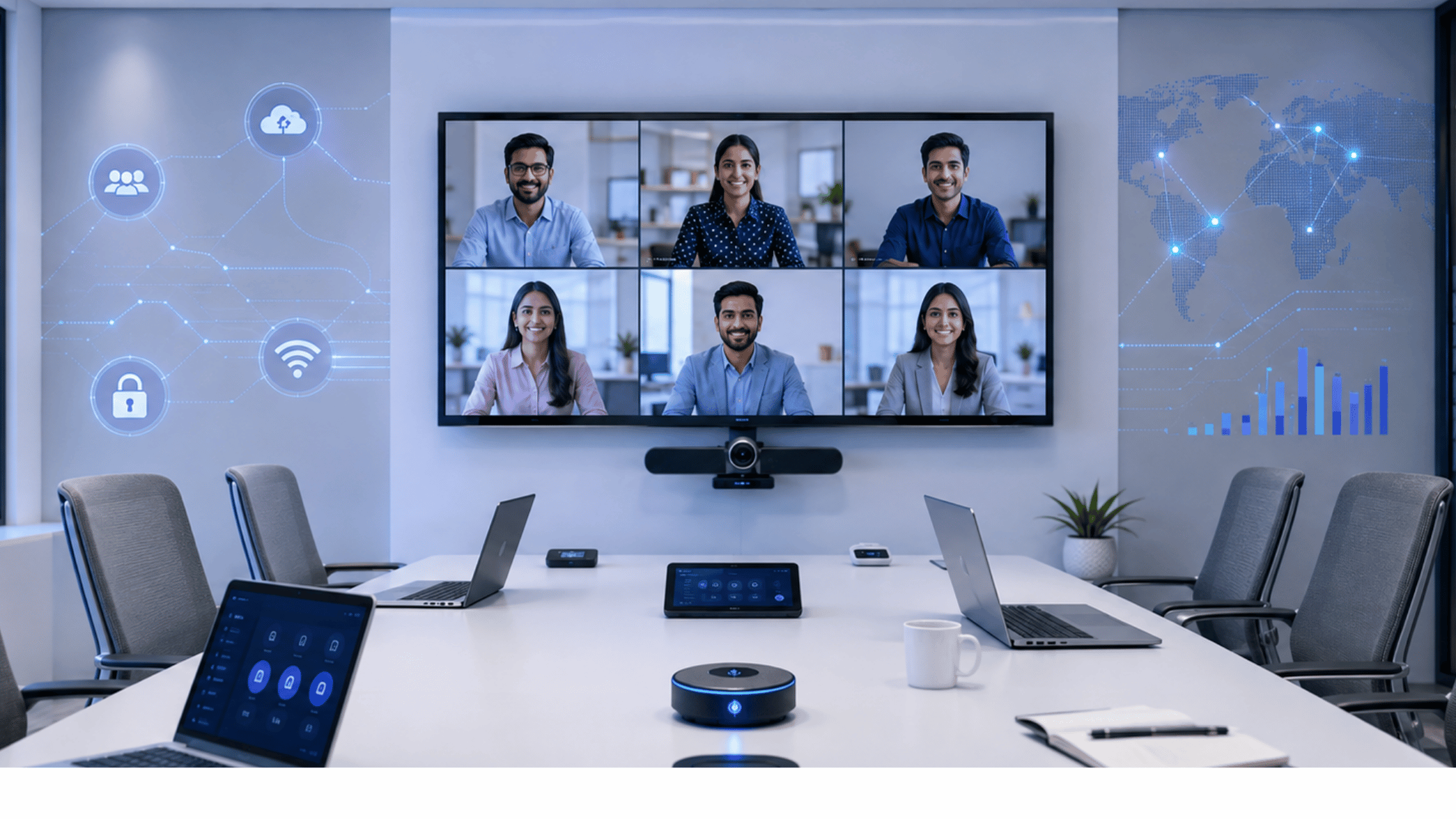
Video conferencing solutions are now an important part of how enterprises connect teams, clients and offices. But a successful meeting room needs more than a camera and a screen. The right setup brings together video, audio, displays, collaboration platforms and network infrastructure to create a reliable meeting experience.
Emarson provides end-to-end video conferencing solutions for small meeting rooms, hybrid conference rooms, boardrooms and training spaces. From room assessment and design to AV and network integration, installation, testing, training and ongoing support, each solution is planned around the needs of the organization.
What Are Video Conferencing Solutions?
Video conferencing solutions bring the equipment and technology needed for a meeting room into one working setup.
This can include cameras, microphones, speakers, displays, wireless presentation, room controls and meeting platforms.The setup you need depends on the room. A small room used by four people does not need the same equipment as a large boardroom.That is why it is better to start by understanding the room and how people will use it, rather than choosing equipment first.For an enterprise, the aim is simple: people should be able to walk into the room, start a meeting and communicate clearly without dealing with complicated technology.
Video Conferencing Solutions for Different Room Sizes
Different rooms need different setups. Emarson offers three solution approaches based on room size and meeting needs.
- Connect (2–6 people): A compact setup with a camera, speaker and microphone, display, wireless content sharing and simple meeting access.
- Collaborate (6–12 people): A more advanced setup with smart camera tracking, noise-cancelling microphones, multiple displays and wireless collaboration.
- Executive (12+ people): Designed for larger boardrooms, with a wide-angle Ultra HD camera, professional microphones and speakers, and large or dual-screen displays.
The final setup can be changed based on the room, seating arrangement and how the space will be used.
What Equipment Does a Conference Room Need?
There is no single list of equipment that works for every conference room. The right combination depends on the space.
- Camera: Gives remote participants a clear view of the room.
- Microphones: Make sure people can be heard clearly from their seats.
- Speakers: Let everyone in the room hear remote participants.
- Display: Shows people on the call, presentations and shared content.
- Collaboration tools: Make it easier to share screens and work together.
- Room controls: Help users start meetings and manage the room without dealing with several separate devices.
Good video conferencing equipment should work together as one setup rather than feeling like a collection of unrelated products.
Why Your Network Matters for Video Conferencing
Even the best video conferencing equipment can struggle if the network is not ready for it.
Video and audio meetings need a stable connection. Problems with bandwidth, latency, jitter or packet loss can lead to poor audio, frozen video or interrupted meetings.This is why network planning should be part of the conference room design.Enterprises should look at their wired and wireless connectivity, bandwidth, network reliability and, where needed, Quality of Service and network segmentation.This becomes even more important when a company has meeting rooms across several offices.A simple way to look at it is: the camera handles the picture, but the network helps get that picture and audio where they need to go.
Video Conferencing Platforms and Hardware
Most enterprises already use a preferred meeting platform. The conference room should fit into that existing setup.
Emarson works with platforms including Microsoft Teams, Zoom, Google Meet and Cisco Webex. The solution can also use enterprise hardware from brands including Cisco, Poly, Logitech, Crestron and Yealink. This gives organizations flexibility when planning their rooms. Instead of using the same setup everywhere, the equipment can be selected based on the room, existing technology and business needs.The important thing is that the camera, audio, display, collaboration tools and meeting platform work together properly.
Common Video Conferencing Problems to Avoid
A few simple mistakes can make a new meeting room harder to use than it should be.
- Buying equipment before checking the room: The room should come first. Its size and layout affect the equipment you need.
- Focusing only on the camera: Good video is useful, but people also need to hear each other clearly.
- Ignoring the network: A poor connection can affect an otherwise good setup.
- Forgetting the meeting platform: Make sure the equipment works with the platform your teams already use.
- Making every room different: For companies with many offices, standard room designs can make installation and support easier.
- Stopping after installation: Testing, employee training, maintenance and support are also part of keeping the room working well.
How Emarson Delivers Video Conferencing Solutions
Emarson takes care of the video conferencing setup from planning to ongoing support.
It starts with understanding the organization's requirements and assessing the room. The team then designs the setup around the room size, layout, number of users and meeting needs.The next steps include AV and network integration, installation and configuration. The complete room is tested before handover, and employees can be trained on how to use the system.Support does not stop after installation. Emarson also provides maintenance and technical assistance.This approach means enterprises can work with one partner for the complete video conferencing setup instead of managing different vendors for different parts of the room.
Video Conferencing Solutions in India
For companies with offices in different parts of India, setting up and managing meeting rooms can become a bigger task.One office may need a small meeting room, while another may need a large boardroom. The technology should match each space, while the overall approach can still remain consistent.Emarson supports enterprise deployments across India, including room assessment, solution design, installation, configuration, training, maintenance and technical support.
The goal is to make video conferencing easier to deploy and manage, whether an organization is setting up one room or working across multiple locations.
"A good meeting room should make technology feel simple, not become another thing people have to figure out before a meeting."