
How to Design a Hybrid Meeting Room: Layout, Technology & Setup Guide
Learn how to design a hybrid meeting room with the right layout, video conferencing equipment, audio, displays, network and security for seamless enterprise meetings.
Emarson AV Team
Enterprise IT & Technology Solutions
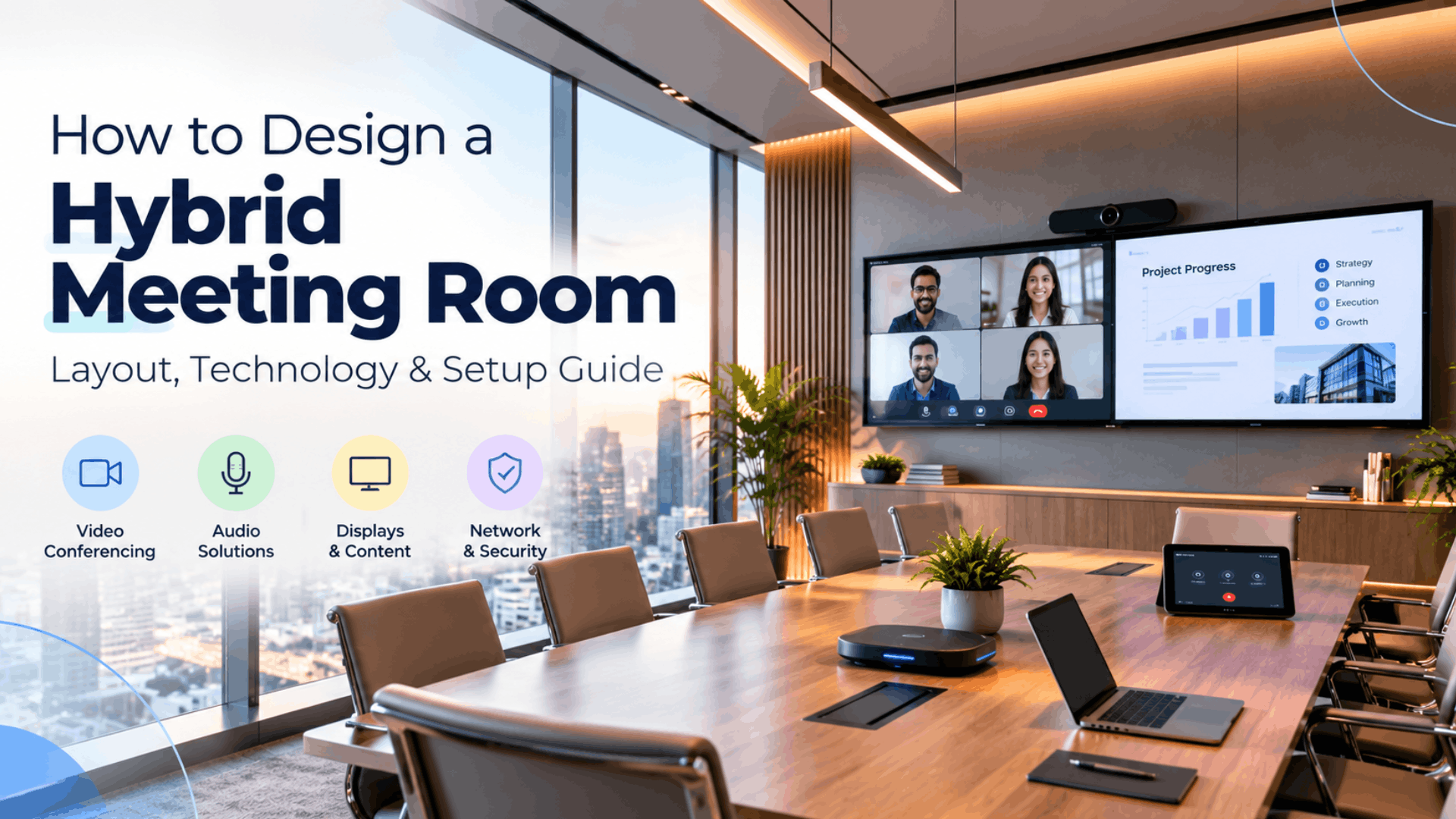
Hybrid meetings have totally changed what a conference room needs to deliver now. A room can have a veryy good camera, a large display and modern conferencing system and still leave remote participants struggling to hear the discussion, follow the camera view or read shared content.
A really effective hybrid meeting room design starts even before the equipments are selected. Room size, seating, meeting type, acoustics, network, security and the remote participant experience all need to work together.
1. Start With the Meeting, Not the Equipment
The very first step in designing a perfect hybrid meeting room is understanding how the room will actually be used. A four-person huddle room does not have the same requirements as a large boardroom, and a training room has different requirements again. Before selecting equipment, consider the requiremnets - how many people normally use the room, how many join remotely, whether meetings are mainly discussions or presentations, whether participants move around, and what type of content they regularly share.
The physical room matters just as much. Table shape, seating position, viewing distance, lighting and acoustics can all influence the final conference room design. A camera that works well in one room may be poorly suited to another because the seating arrangement or viewing angle is different.
The objective is not to install the maximum amount of technology. It is to create a room where people can walk in, start a meeting, communicate clearly and share information without having to think about the technology.
2. Design for the Remote Participant
There’s a simple way to check whether a hybrid meeting room actually works. Join the meeting from another room. Not for five minutes. Stay there and watch how the meeting actually feels. You’ll notice things pretty quickly.
Someone at the end of the table might keep disappearing from the camera. The person sitting closest to the microphone sounds crystal clear while everyone else sounds distant. There might be a bit of echo that nobody inside the room notices.
And then there’s the camera angle.
Sometimes the equipment is perfectly fine. The problem is simply where it has been placed. The table is facing one way, the display is somewhere else and the camera is sitting in a position that makes everyone look like they are talking past it. This is why always test a meeting room from both sides before calling it ready. Sit in the room. Then leave it and join the same meeting remotely.
What looks like a good meeting room from inside can be a very different experience from the other side of the call.
3. Choose the Right Camera, Audio and Displays
Camera selection should not be based on resolution alone. Room size, seating arrangement, participant movement and meeting type all influence the right camera configuration.
Smaller rooms may work well with an integrated video bar or compact conferencing system. Larger rooms may require broader coverage or more advanced camera capabilities. A room where presenters move around may need a different approach from one where everyone remains seated.
Audio deserves equal attention. Participants will usually tolerate a slightly imperfect image more easily than unclear speech. Microphones need to provide appropriate coverage across the seating area, while speakers need to deliver clear sound without unnecessary echo or feedback.
Room acoustics should also be considered as part of the hybrid meeting room setup. Glass walls, hard floors and other reflective surfaces can affect audio quality, and microphones should not be expected to solve every acoustic problem.
Displays should be selected according to how the room is used. One large display may be enough for presentation-focused meetings, while two displays can be useful when participants need to see remote attendees and shared content at the same time.
The right question is not simply, "How many screens should a conference room have?"
4. Build Network and Security Into the Design
A modern meeting room contains multiple connected devices. Cameras, room controllers, displays and conferencing systems depend on reliable connectivity and need to be managed properly.
Network planning should therefore happen before installation. Enterprises need to understand how meeting-room technology will connect to the existing infrastructure and how these devices will be managed across locations.
Security should be considered at the same stage. Depending on the organisation structure and architecture, this can include access controls, device management, software and firmware updates, network segmentation and other security policies.
This is a really important distinction between a basic conference-room installation and an enterprise hybrid meeting room solution. The room is not simply an AV setup sitting separately from IT. It is part of the wider technology environment and should be designed accordingly.
5. Standardise Meeting Rooms Across the Enterprise
For a company with several offices, there’s another problem that shows up pretty quickly: no two meeting rooms work the same way.
One room has one type of camera. Another has a different controller. Someone knows how to share their screen in one office but needs help in another. For employees, it gets annoying. For IT, it becomes another thing to troubleshoot. A better way is to decide what each type of room should look like before rolling them out. Maybe there’s one setup for huddle rooms, another for small meeting rooms, a different one for boardrooms and something more capable for training rooms.
The equipment doesn’t have to be exactly the same everywhere. What matters is that the experience feels familiar.
If someone walks into a meeting room in another office, they shouldn’t have to figure out a completely new system just to start a call or share a presentation. It also makes life easier for the IT team. When something needs replacing or upgrading, there’s already a standard to work from instead of figuring out every room from scratch. A meeting room shouldn’t be designed only for the day it is installed. Think about the next upgrade, the next device and the next office too.
6. Test the Room and Avoid Common Mistakes
A meeting room should not be considered ready simply because every device powers on. The final test should resemble a real meeting. People should sit in different positions, join a meeting, speak normally, share content and use the room controls. Someone should join remotely and evaluate the experience from outside the room.
This can reveal problems that are easy to miss during installation. A participant at the end of the table may not be visible, microphone coverage may vary by seat, or shared content may be difficult to read from the back of the room.
Common Hybrid Meeting Room Mistakes
- Buying equipment before understanding the room: Expensive technology cannot compensate for poor room planning.
- Choosing cameras based only on resolution: Coverage, framing, room size and participant movement matter just as much.
- Ignoring acoustics: Good microphones cannot completely solve a room with excessive echo or background noise.
- Designing only for people inside the room: Remote participants need to see, hear and follow the discussion clearly.
- Using completely different systems in every room: This increases training and support requirements.
- Treating network and security as an afterthought: Connected meeting-room devices need to fit into the enterprise IT environment.
- Failing to plan maintenance: The room needs a support, update and replacement strategy after installation.
Hybrid Meeting Room Setup Checklist
Room & Layout: Room size and seating suit the expected participants. Camera and microphone coverage work from all seats. Displays are clearly visible. Lighting and acoustics have been considered.Video: The camera covers everyone with natural framing. Remote participants can see who is speaking.Audio: People can be heard clearly from different seats. Microphone coverage is sufficient. There is no distracting echo or background noise. Remote participants can be heard clearly.Displays & Content: The display setup suits the room. Shared content is readable from the back. Screen sharing is simple. IT & Security: Network connectivity is reliable. Room devices are properly managed. Security and software update requirements are covered.Operations: Employees can start meetings without assistance. Similar rooms follow a consistent setup. Support and maintenance are planned.
Frequently asked questions
- What is a hybrid meeting room?
A hybrid meeting room is a physical meeting space designed for meetings where some participants are present in the room and others join remotely. It combines room layout, cameras, microphones, speakers, displays, connectivity and controls.
- How do you design a hybrid meeting room?
Start with room size, seating arrangement, meeting purpose and the number of remote participants. Then select camera, audio, display and conferencing technology around those requirements. Network, security, management and maintenance should also be part of the design.
- What equipment is needed for a hybrid meeting room?
A typical setup may include a camera or video bar, microphones, speakers, one or more displays, a conferencing system or room computer, content-sharing capability and room controls. The exact configuration depends on the size and purpose of the room.
- What is the best camera for a conference room?
There is no single best camera for every conference room. The choice depends on room size, seating arrangement, participant movement and required coverage. Smaller rooms may use integrated systems, while larger rooms may need more advanced camera capabilities.
- How many screens should a hybrid meeting room have?
It depends on how the room is used. One display may be sufficient for many rooms, while two displays can help when participants need to see both remote attendees and shared content.
- How can I improve audio in a hybrid meeting room?
Start with microphone placement, speaker positioning and room acoustics. Test microphone coverage from different seats and check for echo and background noise. Good audio depends on the complete room and audio system, not just the microphone.
- What are the most common hybrid meeting room mistakes?
Poor planning, unsuitable camera placement, inadequate microphone coverage, ignoring acoustics, designing only for people inside the room, inconsistent configurations, insufficient network planning and failing to consider long-term device management are common problems.
- Should meeting-room technology be part of the IT network?
Yes. Enterprise meeting-room systems are connected devices that depend on network connectivity and require management, updates and appropriate security controls.
- How can enterprises standardise meeting rooms?
Create standard room profiles based on room size and use case. Define approved technology architectures and user controls for each profile while maintaining a consistent experience across offices.
- What should be tested before a meeting room goes live?
Test camera framing, microphone coverage, speaker audio, content sharing, displays, room controls and remote participation from different seating positions. Also test common situations such as guest presentations and laptop connections.