
Cisco Catalyst 9200 vs 9300: Specifications & Key Differences
A simple guide to Cisco Catalyst 9200 and 9300 uplinks, stacking, port speeds and PoE for Network Infrastructure & Campus Networking
Rajesh Tiwari
Head of IT Solutions at Emarson
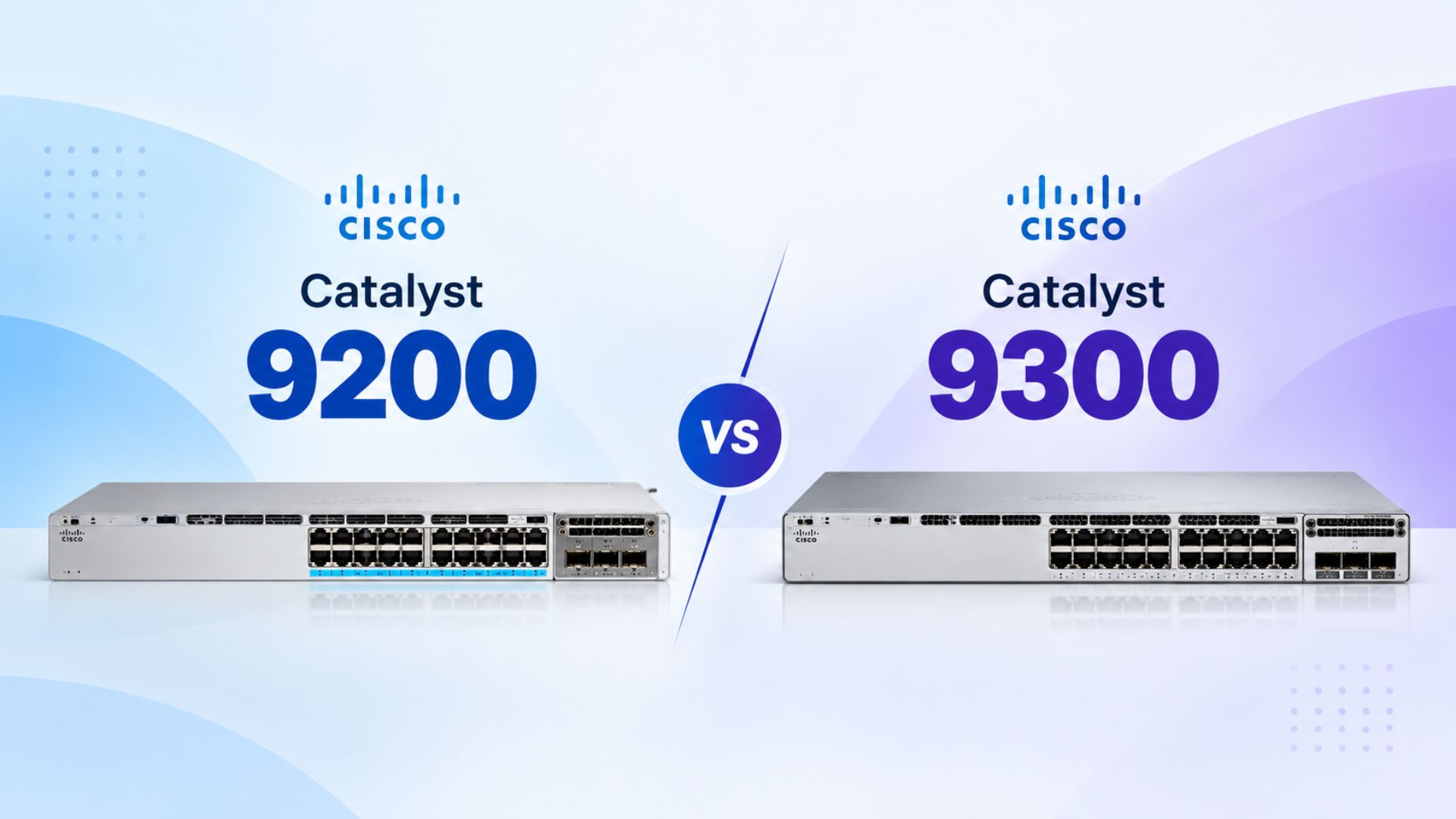
Confused between Cisco 9200 and 9300?
Not sure which one fits your network?
You’re in the right place.
This guide breaks down the key differences in uplinks, stacking, port speeds and PoE in simple terms, so you can understand what each switch offers and where it fits best.By the end, you’ll have a clearer idea of what to look for when choosing between the Cisco Catalyst 9200 and 9300.
Cisco Catalyst 9300 and 9200: What You Need to Know
Cisco Catalyst 9300 and Catalyst 9200 are widely used for enterprise access networking, but they offer different capabilities across uplinks, stacking, port speeds and Power over Ethernet. If you are researching Cisco 9300, Cisco 9200, Catalyst 9300 specifications, Catalyst 9200 specifications or the difference between the two, understanding these areas can make switch selection much easier.
The right configuration depends on the network rather than simply the model number. Port density, endpoint speeds, uplink requirements, stacking, PoE and expected traffic should all be considered before choosing a switch for a campus, branch or enterprise LAN.
Cisco Catalyst 9300 vs 9200: Quick Comparison
1. Uplinks
- Catalyst 9300: More flexibility for high-speed uplinks, including 10G, 25G and 40G, 100G options upto 8 port uplinks depending on the model.
- Catalyst 9200: Modular uplink options are available on applicable models, including 1G, 10G, 25G and 40G upto 2 port uplinks
2. Stacking
- Catalyst 9300: Up to 480 Gbps on standard C9300 models and up to 1 Tbps on C9300X.
- Catalyst 9200: Up to 160 Gbps on applicable modular C9200 models.
3. Port flexibility
- Catalyst 9300: Broader options for high-speed and multigigabit connectivity, depending on the model.
- Catalyst 9200: Enterprise access connectivity with multigigabit options available on selected models.
4. PoE
- Catalyst 9300: Multiple PoE options, including higher-power configurations on selected models.
- Catalyst 9200: Up to 30W PoE+ per port on applicable models.
In simple terms: the 9200 covers a wide range of enterprise access requirements, while the 9300 family gives you more room when the network demands higher-speed connectivity, greater stacking capacity or higher-power PoE.
Cisco Catalyst 9300: Specifications and Capabilities
The Cisco Catalyst 9300 Series is designed for enterprise access networking and includes configurations for high-speed wired connectivity, wireless access, PoE devices and demanding campus environments. Depending on the model, the family supports multigigabit access and modular uplinks including 10G, 25G and 40G, while Catalyst 9300X extends into higher-speed configurations. Standard Catalyst 9300 models use StackWise-480 with up to 480 Gbps of stacking bandwidth, while Catalyst 9300X supports StackWise-1T with up to 1 Tbps. Selected models also provide higher-power PoE capabilities, including 90W UPOE+.
These capabilities make the 9300 family relevant when an enterprise needs greater access-layer capacity, higher-speed connectivity, multigigabit networking or higher-power PoE. The exact feature set still depends on the model selected.
Cisco Catalyst 9200: Specifications and Capabilities
The Cisco Catalyst 9200 Series focuses on enterprise access switching for environments such as campus networks and branch offices. The family includes different configurations, so specifications vary by model. Applicable modular C9200 models support modular uplinks and StackWise-160 with up to 160 Gbps of stacking bandwidth, while other variants have different stacking capabilities. Selected models also provide multigigabit connectivity for higher-bandwidth devices and wireless deployments, while applicable PoE+ configurations provide up to 30W per port.
For organisations that need enterprise switching with standard access connectivity, PoE+ and the required uplink capacity, a suitable Catalyst 9200 configuration may meet the requirement. As with the 9300 family, the exact model should be checked rather than applying one specification across the entire series.
Uplinks, Stacking, Ports and PoE: What Actually Changes?
The practical difference between the two families becomes clearer when you look at the network around the switch. Uplinks determine how access-layer traffic moves towards the distribution or core layer. Stacking bandwidth matters when multiple switches operate together and carry traffic across the stack. Port speeds become increasingly important when connecting multigigabit wireless access points, cameras, IoT devices and other high-bandwidth endpoints. PoE determines how much power can be delivered to devices such as access points, IP phones and cameras.
This is why a simple question such as “Is Cisco 9300 better than 9200?” does not tell the whole story. A network with standard 1G endpoints and 30W PoE requirements can have very different requirements from a high-density campus using multigigabit Wi-Fi, high-speed uplinks and higher-power devices.
Cisco 9300 vs 9200 for Campus, Branch and Wi-Fi Networks
The right switch depends on where it is being deployed and what is connected to it. Here are three common scenarios:
🏢 Campus Networks
Large offices and campuses may have users, Wi-Fi access points, IP phones, cameras, meeting rooms and IoT devices. Here, uplink speed, stacking capacity, port speeds and PoE become important.
🏬 Branch Networks
Branch offices usually have fewer endpoints, so the focus may be on the right number of ports, required uplinks, PoE and overall network capacity rather than maximum performance.
📶 Wi-Fi Networks
For newer wireless deployments, check the access point's Ethernet speed and PoE requirement along with the switch uplink. Selected Catalyst 9200 and 9300 configurations support multigigabit connectivity for higher-speed wireless deployments.
For help planning enterprise switching, campus networking and wireless infrastructure, explore Emarson's Network Infrastructure solutions.
Choosing the Right Cisco Switch and Planning Your Network
There is no single answer to Cisco 9200 vs 9300 without understanding the network requirement. The best starting point is the infrastructure itself: how many devices need to connect, what speeds do they require, how much uplink bandwidth is needed, will the switches be stacked, and how much PoE power will connected devices consume? Once these requirements are clear, the appropriate Cisco model becomes much easier to identify.
At Emarson, we work with enterprises on switching, routing and wireless infrastructure, helping organisations evaluate their network requirements and plan enterprise connectivity. If your team is comparing Cisco Catalyst 9200 and 9300, planning a campus or branch upgrade, or refreshing its enterprise LAN, Emarson can help assess the networking requirement and appropriate infrastructure approach.
Explore Emarson Enterprise Networking Solutions:
Frequently Asked Questions - (Cisco Catalyst 9300 and 9200)
What is the difference between Cisco Catalyst 9300 and 9200?
The main differences are in uplink options, stacking capacity, port configurations, multigigabit capabilities and PoE. The exact differences depend on the models being compared.
How much stacking bandwidth does Cisco 9200 have?
Applicable modular C9200 models support up to 160 Gbps StackWise-160.
How much stacking bandwidth does Cisco 9300 have?
Standard C9300 models support up to 480 Gbps, while C9300X models support up to 1 Tbps.
Does Cisco 9200 support 10G uplinks?
Yes, applicable C9200 models support 10G uplink configurations.
Does Cisco 9300 support 90W PoE?
Selected Catalyst 9300 configurations support up to 90W UPOE+. It is not applicable to every model.